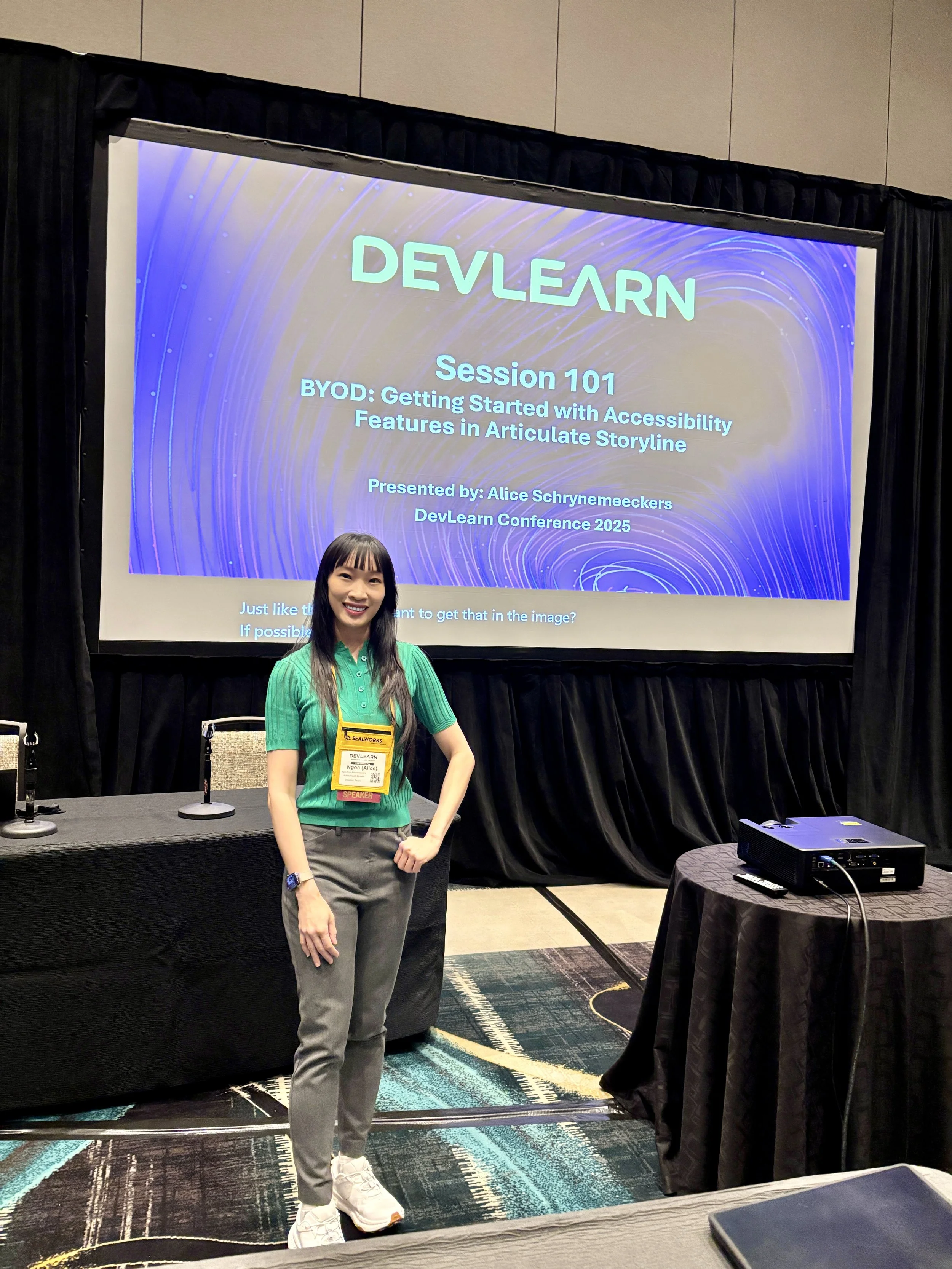
Speaking Engagements
Event Name: DevLearn 2025
Session Title: BYOD: Getting Started with Accessibility
Topic: Accessibility in Learning Design
Audience: eLearning developers, Instructional Designers, L&D leaders
Format: Conference breakout session
Download my Conference presentation
Information:
Accessibility in eLearning is essential, yet many instructional designers struggle to implement it effectively. This hands-on beginner session teaches step-by-step strategies for creating accessible eLearning in Articulate Storyline and troubleshooting common issues. You will explore key principles of WCAG, the Web Content Accessibility Guidelines and learn to enable keyboard navigation, configure focus order, and set up screen reader compatibility. A live demo covers closed captions, color contrast testing, and accessible controls. Follow along on your laptops as you complete an Accessibility Challenge. The session concludes with Q&A, troubleshooting, and resources for staying updated on WCAG best practices.
By the end of the session, you will have the skills to create Storyline courses that are inclusive, compliant, and engaging for all learners. Whether you're new to accessibility or looking to refine your approach, this session will provide actionable takeaways to enhance your eLearning design.
In this session, you will learn how to:
Ensure interactive elements (tab, enter, and arrow keys) are accessible using the keyboard
Control the logical navigation flow with the Focus Order tool
Use alternative text and meaningful descriptions to make interactive elements accessible to screen readers like JAWS
Use and maintain accessible text and background color ratios
Add closed captions for audio and video content using Storyline's built-in feature
Test your course with accessibility tools, including keyboard navigation and screen readers
Use color contrast checkers
Stay compliant with WCAG 2.1 guidelines